The operator view
Start with the whole system, then move with intent.
The opening screen answers the first three questions before you touch anything: is the manager alive, can it reach Hermes, and which capabilities are available right now?
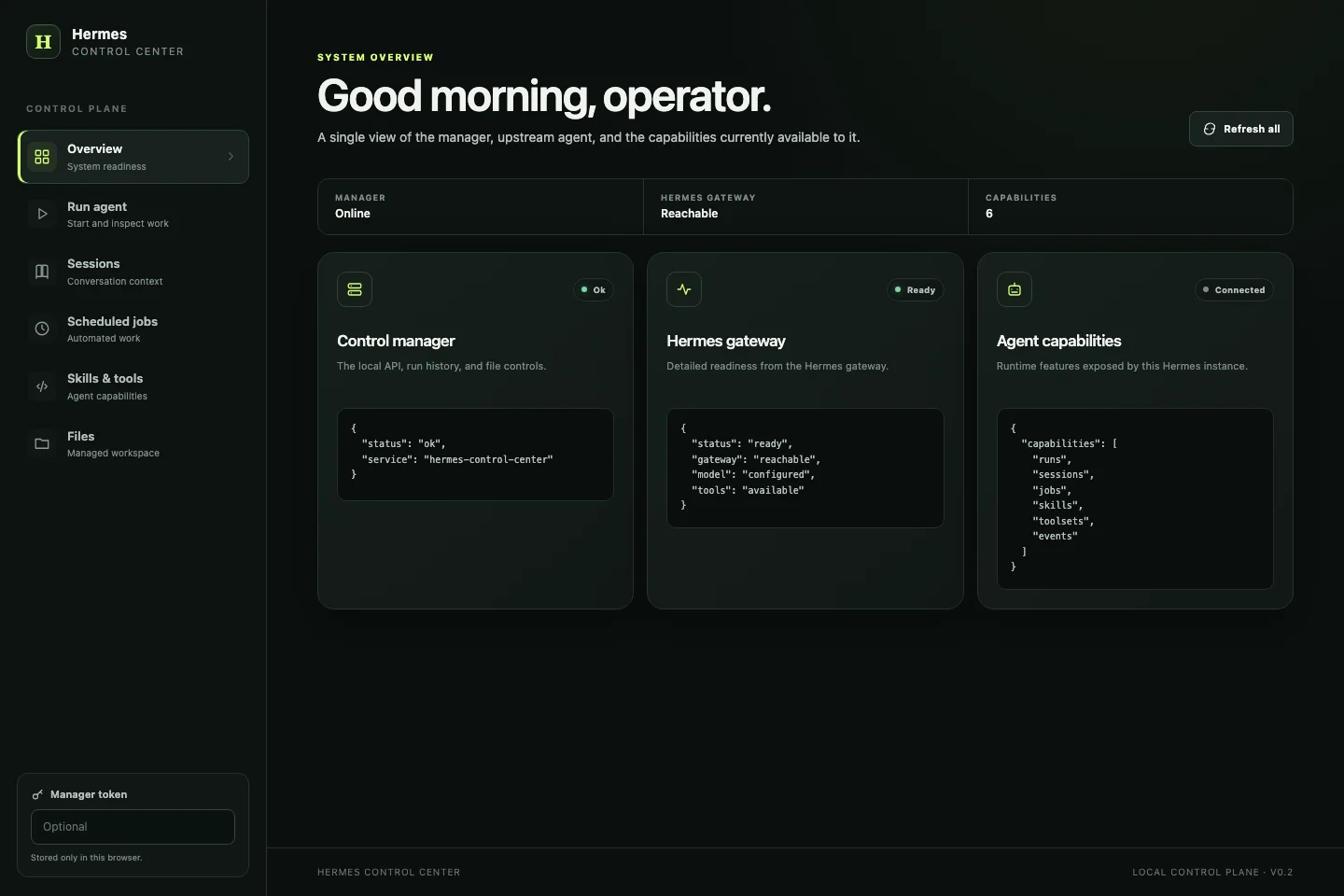
Readiness at a glance
Manager health, gateway readiness and exposed capabilities sit in one opening view.
Work stays observable
Start a run, watch its status and output, stop it when needed, then keep the local audit record.
The boundary is visible
The desk names what is local, what belongs to Hermes and which workspace files it may touch.
Manager API
Always checked locally first
Hermes gateway
Readiness comes from the agent
Capabilities
The current instance speaks for itself
From intent to result
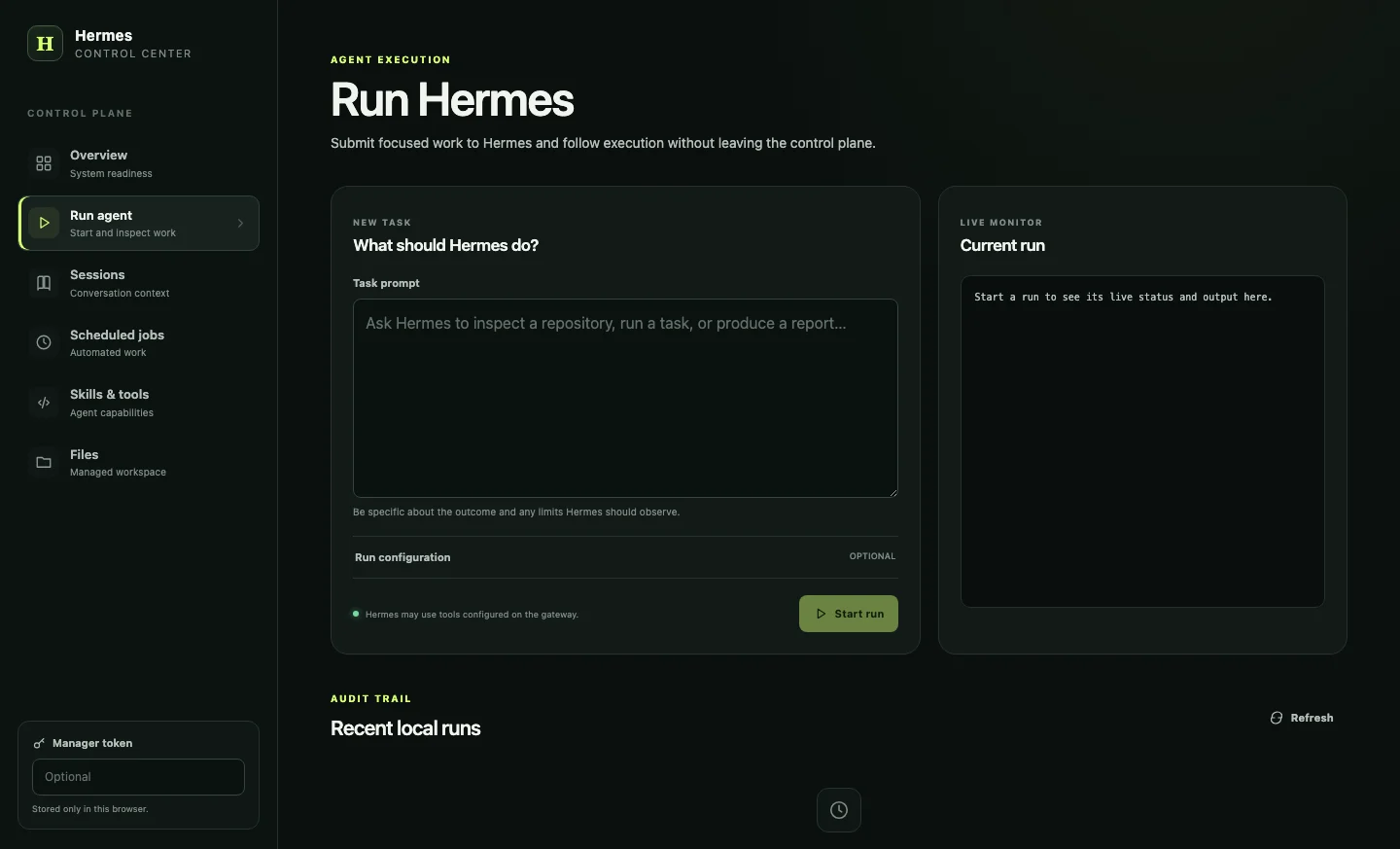
Give Hermes a clear job. Keep the run in sight.
The control desk does not become the agent. It submits work through the supported run API, follows progress and preserves a small local record of what happened.
01
Ask
Write the outcome and any limits Hermes should observe.
02
Shape
Optionally choose session, instructions, model and provider.
03
Watch
The desk polls the run every 1.5 seconds until it reaches a final state.
04
Recall
Runs started here stay in the local SQLite audit history.
Six control rooms
Everything close enough to operate. Nothing pretending to be the agent.
Each room has one job. Hermes remains the source of truth for execution, sessions, jobs, skills and tools, while the manager concentrates access and adds a local run record.
readiness
Overview
Manager, gateway and capability health in one glance.
execution
Run agent
Submit work, monitor status and stop an active run.
context
Sessions
Inspect recent Hermes conversations and the context they retain.
automation
Scheduled jobs
Review or create gateway jobs through their native JSON contract.
capability
Skills and tools
See the skills and toolsets exposed by the current Hermes instance.
workspace
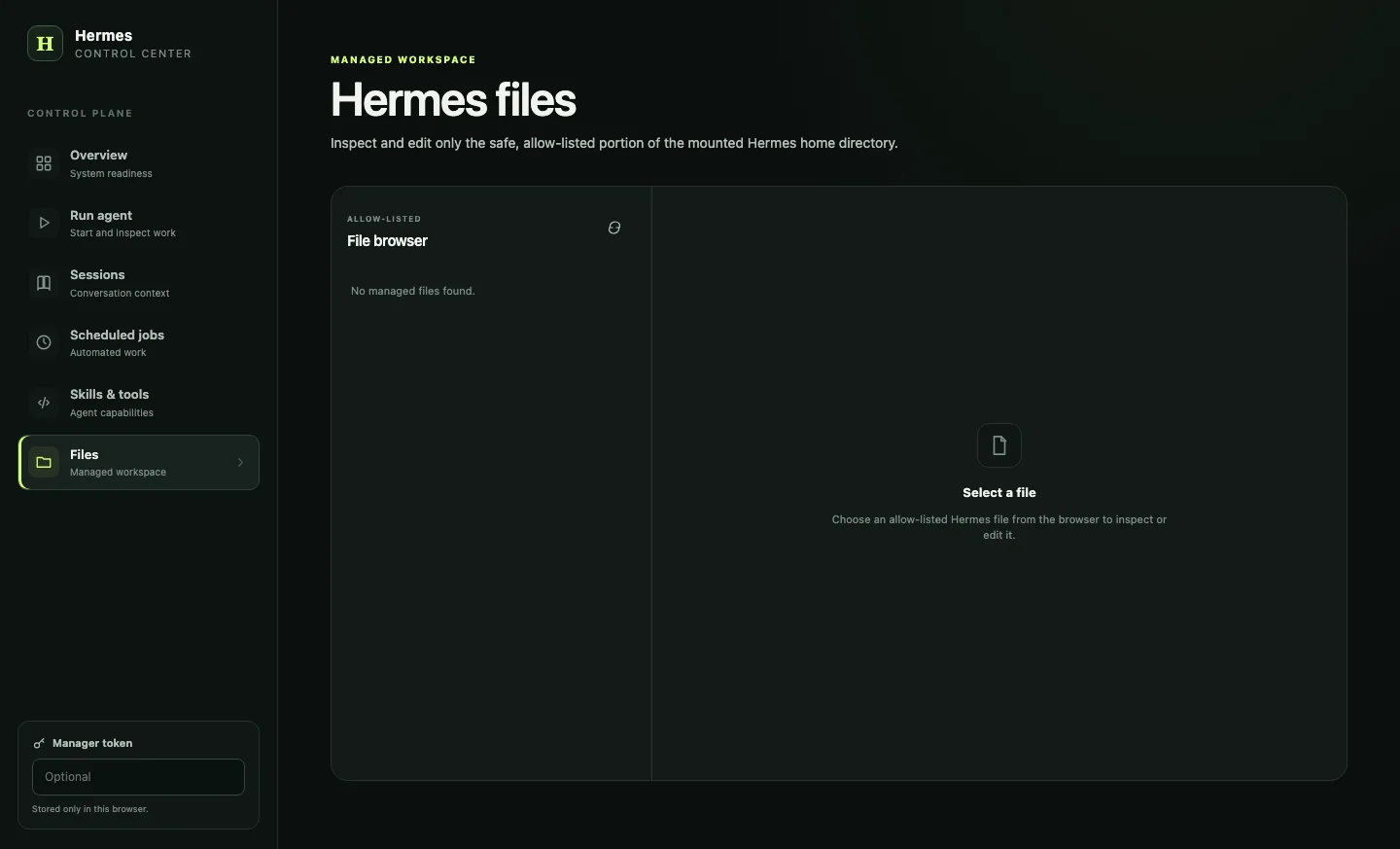
Files
Read and edit only the mounted paths admitted by the manager.
A deliberate boundary
Power belongs behind a clear gate.
This desk can launch tool using work and change agent configuration. Its protections reduce the exposed surface, but they do not turn a local starter into a complete shared security boundary.
The Hermes API key stays on the manager side.
Only selected Hermes home paths can be opened or saved.
Path traversal is resolved and rejected before access.
Public exposure still needs TLS, authentication and network controls.
Do not expose it publicly by default